Web MIDI API Operation Test
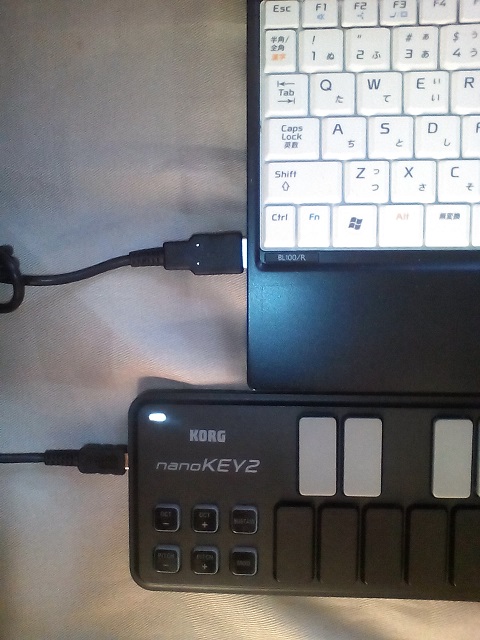
This page will automatically test whether the Web MIDI API is available in your browser. Connect a MIDI keyboard to your computer. For example, you can connect a MIDI keyboard such as the Korg nanoKEY2 via USB. After connecting the keyboard, restart your browser (Chrome or Edge).
Open this page and wait a moment. If "Web MIDI API ready!" is displayed in the box at the bottom of the page, the Web MIDI API is available. If it is not available, you cannot use the Web MIDI API in your browser. When it is ready, the number and names of available input and output devices are displayed.
NOW TESTING!!
Sometimes, even when a MIDI keyboard is connected and "Web MIDI API ready!" is displayed, the page may show "input_device=0, output_device=0". If this happens, try the following steps:
- unplug the MIDI keyboard,
- close the browser,
- plug in the MIDI keyboard,
- start the browser, and
- open this page.
The pull-down menu labeled "IN" above lets you select a connected MIDI input device. If only one device is connected, its name will be displayed in the menu. For example, it may be displayed as "nanoKEY2". If the pull-down menu does not appear even though a device is connected, try reloading this page.
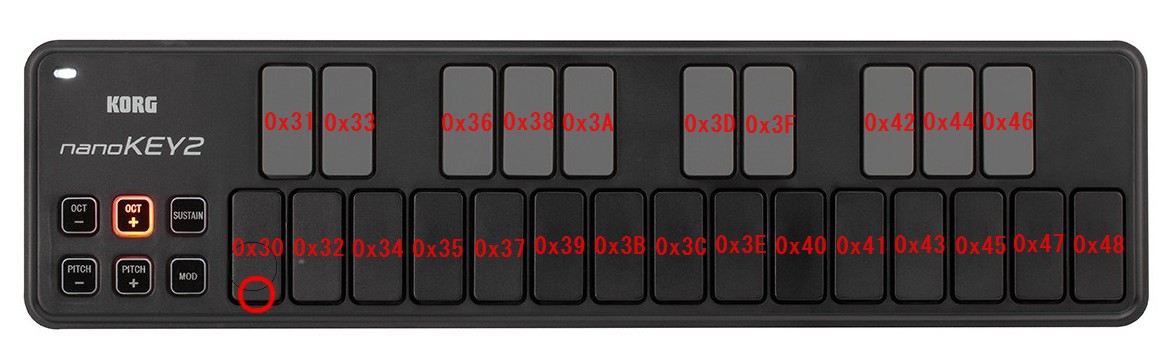
Now, try pressing the keys. If you press and release the leftmost key, the result should be displayed as follows.
data.length=3: 0x90: 0x30: 0x57:
data.length=3: 0x80: 0x30: 0x40:
0x90 is the status byte that appears when you press a key. This value represents a NOTE ON message. The prefix "0x" indicates that the value is hexadecimal. 0x90 corresponds to 144 in decimal, which is shown in parentheses.
0x30 (=48) shows which key was pressed. This value is called the note number. The diagram above shows the note number for each key.
0x57 (=87) shows how hard the key was pressed. This value is called velocity. Pressing the key softly produces a small value, and pressing it harder produces a larger value. The maximum velocity value is 0x7F (=127).
The next line, 0x80 (=128), means that the key was released (NOTE OFF). 0x30 (=48) shows which key was released. 0x40 (=64) shows how quickly the key was released. This is called release velocity. With the nanoKEY2 keyboard, this value is always 0x40 (=64).
In this example, key 0x30 (=48) was pressed with a velocity of 0x57 (=87), and then key 0x30 (=48) was released.
MIDI Application
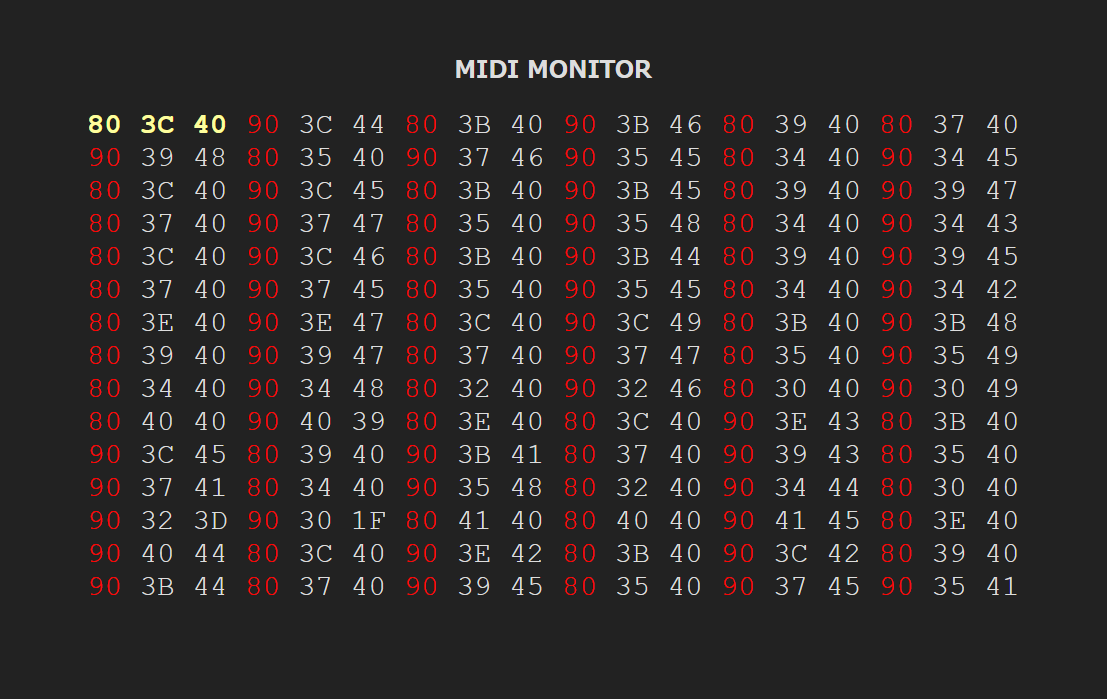
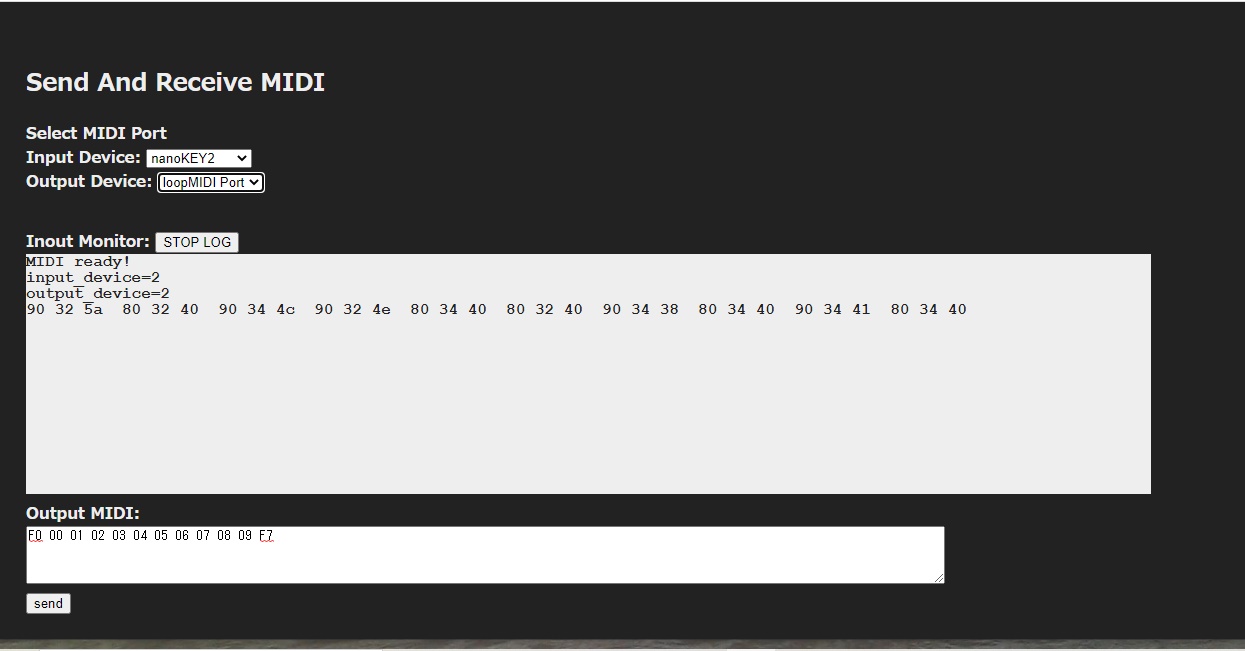
The following two applications are web-based MIDI applications using the Web MIDI API. One is a MIDI Monitor, and the other is Send and Receive MIDI. The MIDI Monitor displays incoming MIDI messages. Send and Receive MIDI can send MIDI messages and receive MIDI response messages.